
Privacy Policy (English)
MOSSU Tab Parking 0.1.0 · Effective and last updated: September 21, 2026 · Operator: Akifumi Yoshimura
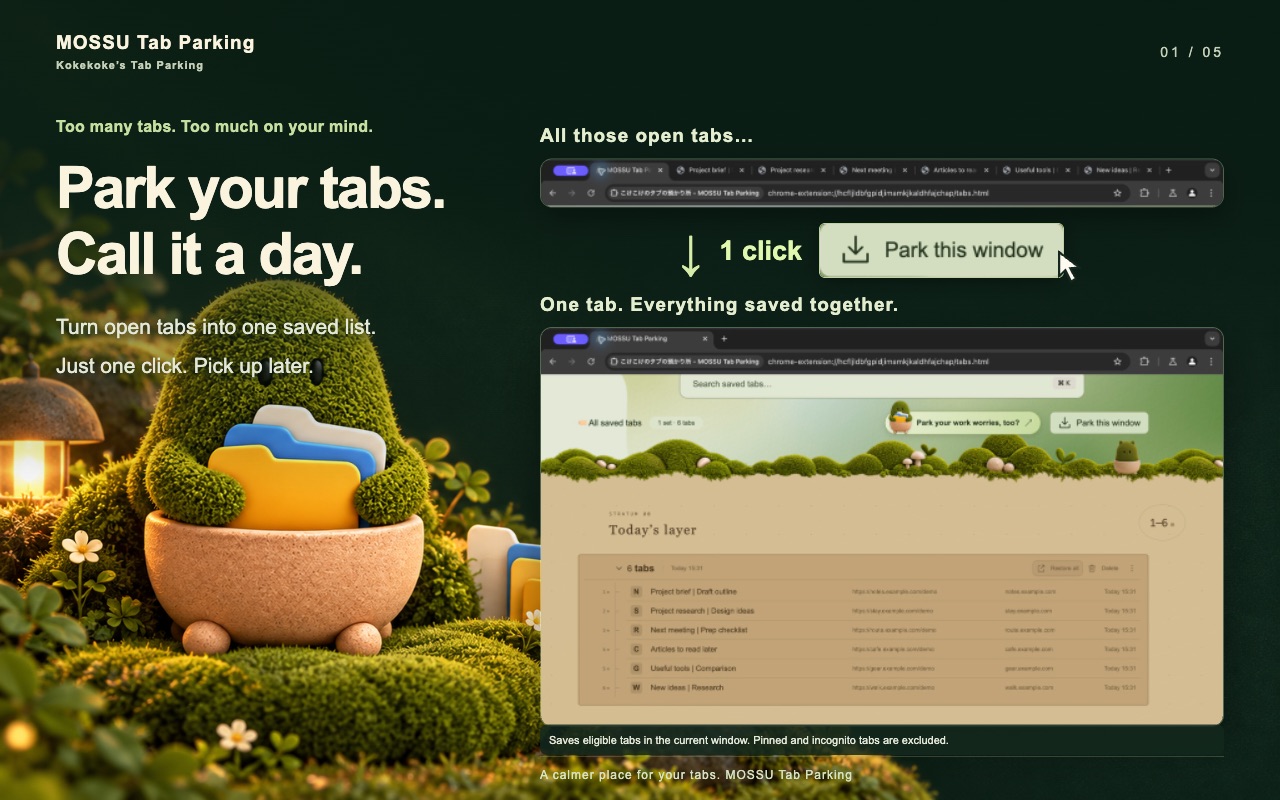
This Privacy Policy describes how MOSSU Tab Parking (Japanese name: こけこけのタブの預かり所), a Chrome extension developed by Akifumi Yoshimura, handles information when you use it. The extension saves, organizes, finds, and restores browser tabs. Related features include search, sticky flags, an optional recovery copy, importing and exporting, consistency checks, and diagnostics. There is also a separate introduction page for a companion iPhone app, with an embedded YouTube video and external links.
Summary
- No account is required to save tabs or to turn on bookmark recovery.
- Pages are not read. There is no content script that reads page bodies, form entries, cookies, or password fields.
- Local storage first. Saved tab records stay in this browser’s extension storage unless you export them or enable a bookmark recovery copy.
- No automatic upload to me. The extension does not automatically send saved URLs, titles, or diagnostic files to a server I operate.
- YouTube only on the introduction page. Displaying that page loads an embedded player and connects to YouTube.
Information accessed and stored
Chrome tab APIs provide tab URLs, page titles, favicon URLs, ordering, window and tab identifiers, and states such as pinned or incognito. Where available and permitted, group information can include a name and color. Tab information is used to select eligible pages for saving and to update context-menu availability when tabs change. Those menu updates do not create a continuously retained browsing-history log.
Saved entries include URLs, titles, timestamps, set names, and related organization data. Depending on the website, a URL or title may contain personal identifiers, message subjects, sensitive information, or authentication parameters. The extension does not automatically remove URL query strings or fragments.
The extension reads files or pasted URL lists that you choose to import. It keeps preferences such as appearance, language, excluded sites, restore behavior, onboarding state, bookmark-backup choice, and sticky flags. Operation types, progress, timestamps, error codes, and consistency information may be recorded for recovery and diagnostics.
Storage, backup, and synchronization
Saved tab records and operation records are held in the extension’s IndexedDB storage.
Settings are stored in chrome.storage.local. Browser-run identifiers and
related temporary state use chrome.storage.session. Some UI preferences and
sticky flags use localStorage. The extension does not use
chrome.storage.sync.
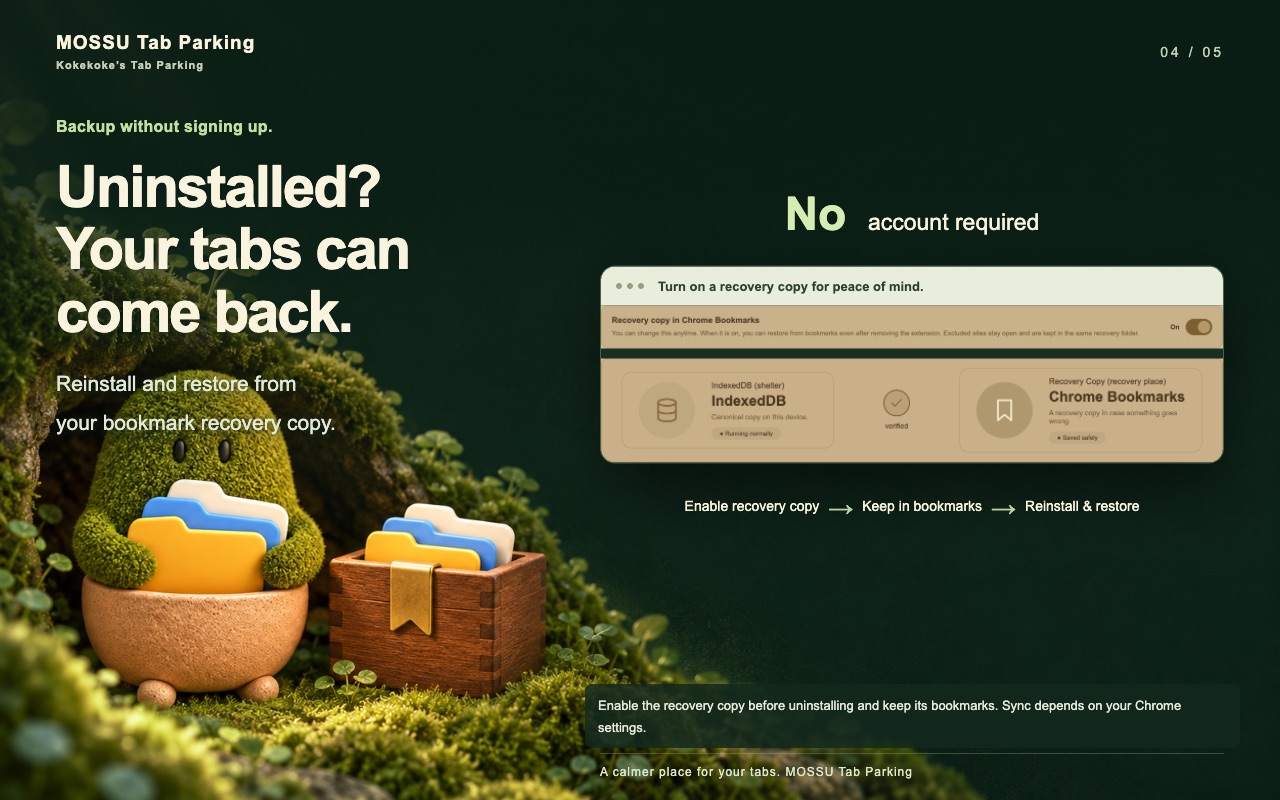
Bookmark recovery is optional. If you enable it and grant bookmark access, the extension creates copies of URLs, titles, and recovery metadata in dedicated Chrome bookmark folders. It reads the bookmark tree to locate those folders and manage their entries. Local tab saving is available without this recovery copy.
Chrome may synchronize recovery bookmarks through your Google account and other signed-in devices according to your browser settings. The extension prefers a local-only bookmark location where Chrome exposes one, but it cannot promise that every recovery folder is excluded from synchronization.
Recovery after uninstalling requires an existing recovery copy whose bookmarks remain available. Uninstalling can remove the extension’s own storage; it does not necessarily remove bookmarks or exported files. Keep an independent JSON export of important collections.
Network connections and third parties
The extension does not automatically send saved tab URLs, titles, or exported diagnostic files to a developer-operated server.
To display site icons, it passes saved page URLs to Chrome’s favicon API. Chrome controls icon caching and retrieval; this is not a promise that icon display never involves network activity. Restoring a tab opens the original website and causes ordinary website requests.
The companion-app introduction page contains a lazy-loaded YouTube iframe using youtube-nocookie.com. Loading the player connects to YouTube even before you necessarily start playback. Do not interpret privacy-enhanced embedding as a guarantee of no data handling. YouTube may receive ordinary request information, including IP address and browser information, and process player interactions under its own policies.
For the two configured video embeds, a narrowly scoped Chrome request rule sets a Referer containing a synthetic application origin based on the extension ID. The player URL also includes this origin and the selected language. The extension does not add saved-tab URLs or titles to these video requests. These rules apply to extension-initiated video subframes, not arbitrary browsing requests.
External links to the companion website, YouTube, and the App Store open services with their own privacy practices. You control where exported JSON files and copied URLs are stored or shared.
Retention and deletion
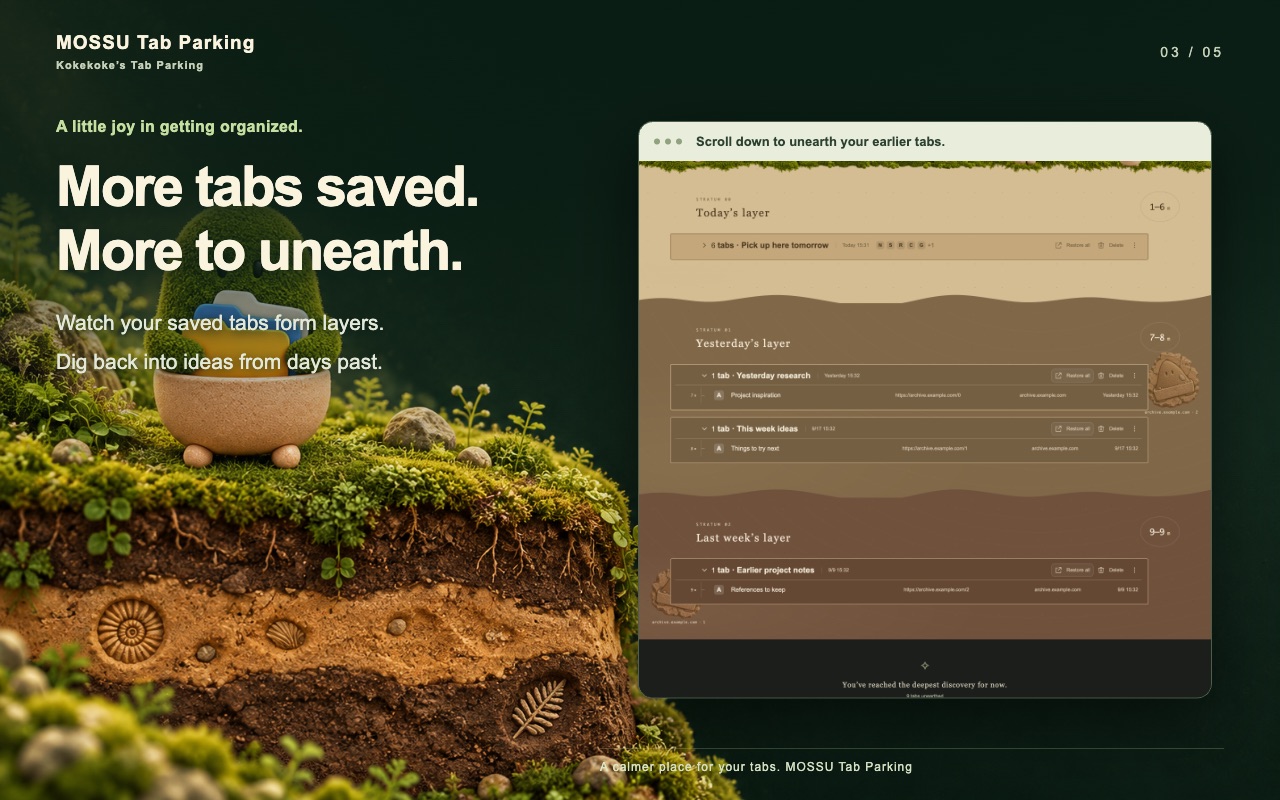
Active saved sets have no fixed automatic expiration. Deleted sets are designed to be removed from IndexedDB by scheduled cleanup after seven days. The actual cleanup time depends on Chrome and extension execution. Individual-tab deletion and retention after restoration depend on the operation and your preferences.
When recovery copies are enabled, deleting a set can leave a copy in the recovery bookmark trash folder. The current implementation does not give that bookmark trash a fixed automatic expiration. Turning off recovery can leave existing copies unless you choose to delete the recovery folder.
For complete removal, consider all copies: extension data, dedicated Chrome bookmark folders including their trash, synced bookmark copies, and exported files. Removing only one copy does not necessarily remove the others. Use Chrome’s controls to manage its synchronized data. Uninstalling the extension removes its own storage but may leave bookmarks and files you exported.
Security and diagnostics
The extension writes and checks stored records before closing eligible source tabs. When the optional recovery copy is enabled, it also verifies the bookmark copy. These checks are not a guarantee of permanent storage or zero data loss. The extension does not implement its own encryption layer for stored tab records. Protect your device and browser profile, and keep independent exports where appropriate.
Diagnostic exports are initiated by you. They are designed to contain versions, operation states, error codes, counts, and consistency information rather than saved page URLs or titles. They are not automatically uploaded. Review a file before sharing it.
If you contact me through the public channels below, I use that message only to respond to the inquiry. This extension does not operate a separate customer database. I do not currently use processors to handle support mail for this product.
Permissions
- tabs — Read URLs, titles, positions, and states of tabs in the chosen save scope; restore pages; refresh context-menu availability. Not used to read page bodies.
- favicon — Show site icons next to saved pages via Chrome’s favicon API.
- contextMenus — Right-click actions to open the list, choose a save scope, or exclude the current site.
- storage — Keep settings and temporary run state on this device.
chrome.storage.syncis not used. - alarms — Schedule maintenance such as recovery-copy checks and cleanup of expired deleted sets.
- bookmarks (optional) — Create and verify a recovery copy after you turn that copy on. Local saving still works without it.
- tabGroups (optional) — Restore original tab groups when that metadata exists. The extension does not invent new groups.
- declarativeNetRequestWithHostAccess and youtube-nocookie.com — Set a Referer for two introduction-video embeds initiated by the extension. Not used for arbitrary browsing.
Limited Use
Use of information received from Google APIs complies with the Chrome Web Store User Data Policy, including Limited Use requirements. Saved-tab data is used for tab management and related recovery and diagnostics, not for advertising, creditworthiness, or lending decisions. Sale, transfer, and human access stay within the uses permitted by that policy.
What this extension does not do
- It does not request access to all websites or inject scripts into the pages you visit.
- It does not sell, rent, or trade your personal information.
- It does not use the extension to build advertising profiles.
- It does not knowingly collect information from children under 13.
Changes
When this policy changes, the updated text is published on this page with a new “last updated” date. If a change materially affects how tab data is handled, I will also note it on this page.
Contact
Developer: Akifumi Yoshimura
Questions about this policy or MOSSU Tab Parking:
@akifumiweb on X
or
GitHub.